Circles
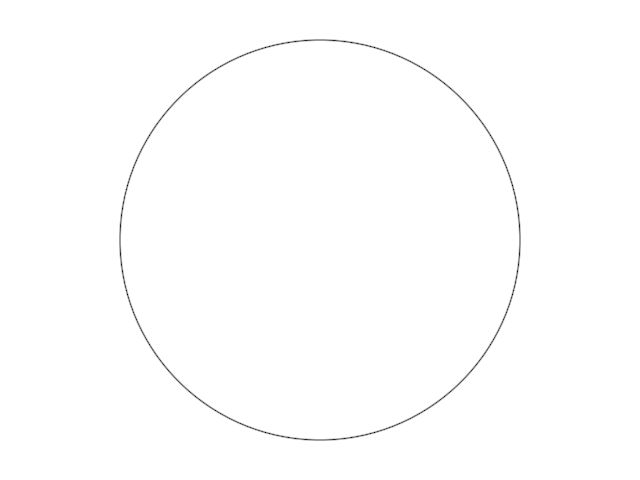
This is how we can create an instance of a mathematical Circle and draw it into our Composition:
import org.openrndr.application
import org.openrndr.color.ColorRGBa
import org.openrndr.extra.composition.composition
import org.openrndr.extra.composition.drawComposition
import org.openrndr.extra.noise.scatter
import org.openrndr.extra.noise.simplex
import org.openrndr.extra.noise.uniform
import org.openrndr.extra.shapes.primitives.grid
import org.openrndr.extra.shapes.primitives.regularPolygon
import org.openrndr.math.Polar
import org.openrndr.math.Vector2
import org.openrndr.shape.Circle
import org.openrndr.shape.Rectangle
import org.openrndr.shape.Segment2D

fun main() = application {
    program {
        val c = Circle(drawer.bounds.center, 200.0)
        val myDesign = drawComposition {
            circle(c)
        }
        extend {
            drawer.clear(ColorRGBa.WHITE)
            drawer.composition(myDesign)
        }
    }
}
Rectangles
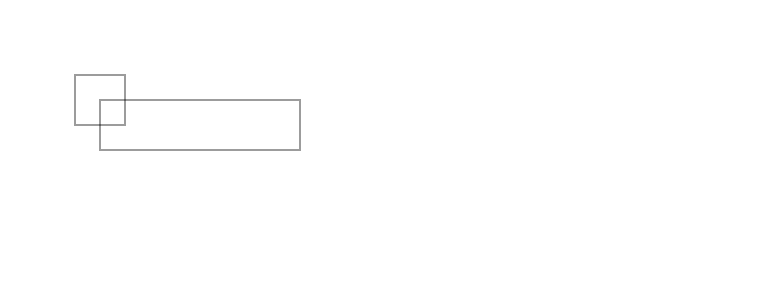
Lets change slightly our last program, so instead of creating a circle we create two rectangular contours: one from its top-left corner, the other from its center.
import org.openrndr.application
import org.openrndr.color.ColorRGBa
import org.openrndr.extra.composition.composition
import org.openrndr.extra.composition.drawComposition
import org.openrndr.extra.noise.scatter
import org.openrndr.extra.noise.simplex
import org.openrndr.extra.noise.uniform
import org.openrndr.extra.shapes.primitives.grid
import org.openrndr.extra.shapes.primitives.regularPolygon
import org.openrndr.math.Polar
import org.openrndr.math.Vector2
import org.openrndr.shape.Circle
import org.openrndr.shape.Rectangle
import org.openrndr.shape.Segment2D

fun main() = application {
    configure {
        width = 770
        height = 300
    }
    program {
        val c1 = Rectangle(Vector2(100.0, 100.0), 200.0, 50.0)
        val c2 = Rectangle.fromCenter(Vector2(100.0, 100.0), 50.0, 50.0)
        val myDesign = drawComposition {
            rectangle(c1)
            rectangle(c2)
        }
        extend {
            drawer.clear(ColorRGBa.WHITE)
            drawer.composition(myDesign)
        }
    }
}
Grid of rectangles
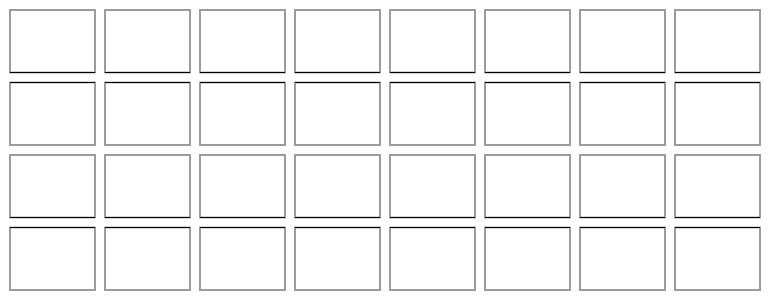
The Rectangle class has a very useful method called grid(), which returns a list of lists of Rectangle. We can pass integers as arguments to indicate the number of columns and rows. Or we can pass floating point numbers, in which case we are requesting the cells to be of that size.
import org.openrndr.application
import org.openrndr.color.ColorRGBa
import org.openrndr.extra.composition.composition
import org.openrndr.extra.composition.drawComposition
import org.openrndr.extra.noise.scatter
import org.openrndr.extra.noise.simplex
import org.openrndr.extra.noise.uniform
import org.openrndr.extra.shapes.primitives.grid
import org.openrndr.extra.shapes.primitives.regularPolygon
import org.openrndr.math.Polar
import org.openrndr.math.Vector2
import org.openrndr.shape.Circle
import org.openrndr.shape.Rectangle
import org.openrndr.shape.Segment2D

fun main() = application {
    configure {
        width = 770
        height = 300
    }
    program {
        val rectangles = drawer.bounds.grid(8, 4, 10.0, 10.0, 10.0, 10.0).flatten()
        val myDesign = drawComposition {
            rectangles(rectangles)
        }
        extend {
            drawer.clear(ColorRGBa.WHITE)
            drawer.composition(myDesign)
        }
    }
}
Straight lines
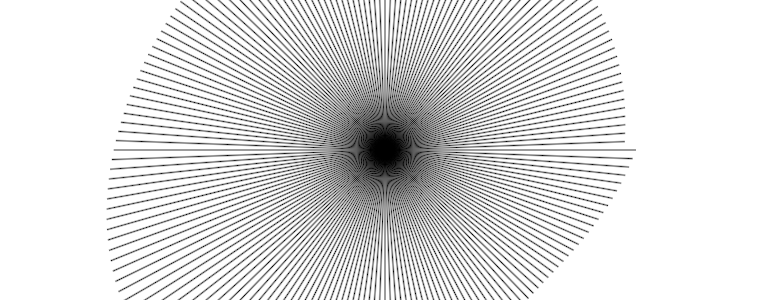
Another useful primitive we can use is the Segment (called Segment2D in newer versions of OPENRNDR). Segment is represented by a line connecting the start point with the end point.
import org.openrndr.application
import org.openrndr.color.ColorRGBa
import org.openrndr.extra.composition.composition
import org.openrndr.extra.composition.drawComposition
import org.openrndr.extra.noise.scatter
import org.openrndr.extra.noise.simplex
import org.openrndr.extra.noise.uniform
import org.openrndr.extra.shapes.primitives.grid
import org.openrndr.extra.shapes.primitives.regularPolygon
import org.openrndr.math.Polar
import org.openrndr.math.Vector2
import org.openrndr.shape.Circle
import org.openrndr.shape.Rectangle
import org.openrndr.shape.Segment2D

fun main() = application {
    configure {
        width = 770
        height = 300
    }
    program {
        // Create a collection with 180 contours
        val cc = List(180) {
            val offset = Polar(it * 2.0, simplex(123, it * 0.01) * 100.0 + 250.0).cartesian
            Segment2D(drawer.bounds.center, drawer.bounds.center + offset)
        }
        // Draw those contours into a composition
        val myDesign = drawComposition {
            segments(cc)
        }
        // Here we could save the composition to disk
        extend {
            drawer.clear(ColorRGBa.WHITE)
            // Display the composition
            drawer.composition(myDesign)
        }
    }
}
Regular shapes
The orx-shapes library provides convenient methods to create regular polygons, stars and even rounded versions of them:
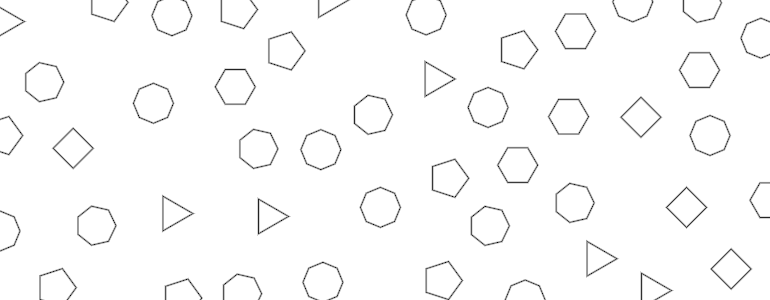
import org.openrndr.application
import org.openrndr.color.ColorRGBa
import org.openrndr.extra.composition.composition
import org.openrndr.extra.composition.drawComposition
import org.openrndr.extra.noise.scatter
import org.openrndr.extra.noise.simplex
import org.openrndr.extra.noise.uniform
import org.openrndr.extra.shapes.primitives.grid
import org.openrndr.extra.shapes.primitives.regularPolygon
import org.openrndr.math.Polar
import org.openrndr.math.Vector2
import org.openrndr.shape.Circle
import org.openrndr.shape.Rectangle
import org.openrndr.shape.Segment2D

fun main() = application {
    configure {
        width = 770
        height = 300
    }
    program {

        val myDesign = drawComposition {
            // Get random separated points from a Rectangle (drawer.bounds is a Rectangle)
            val points = drawer.bounds.scatter(30.0)
            points.forEach {
                val rp = regularPolygon(Int.uniform(3, 9), it, 20.0)
                contour(rp)
            }
        }
        extend {
            drawer.clear(ColorRGBa.WHITE)
            drawer.composition(myDesign)
        }
    }
}