The Axidraw pen plotter
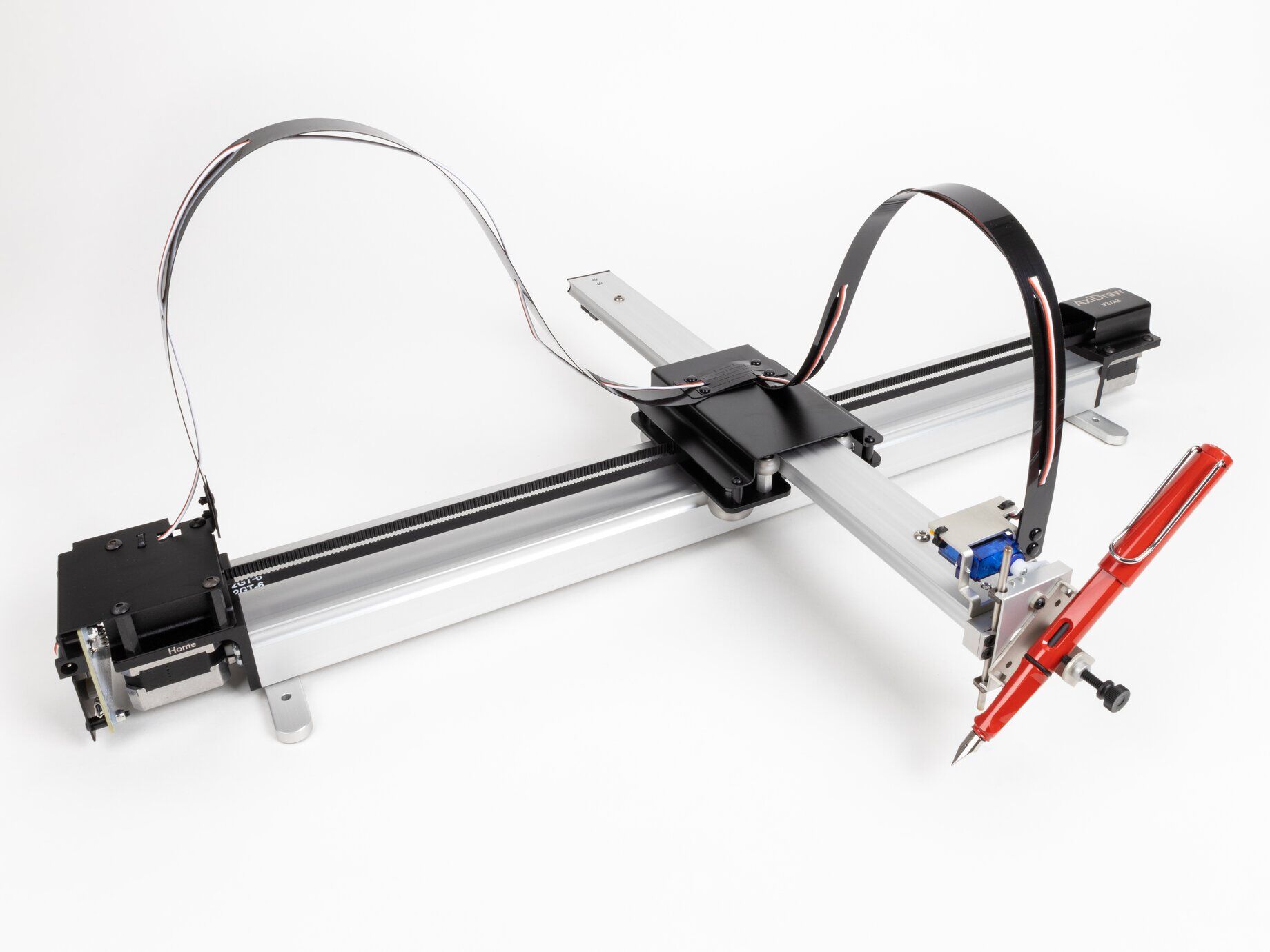
The Axidraw is a modern pen plotter that allows using many kinds of pens and papers.
The device has two stepper motors (one on each end) and a servo to move the pen up and down.
There is a USB cable to connect it to the computer, and a cable with a power supply.
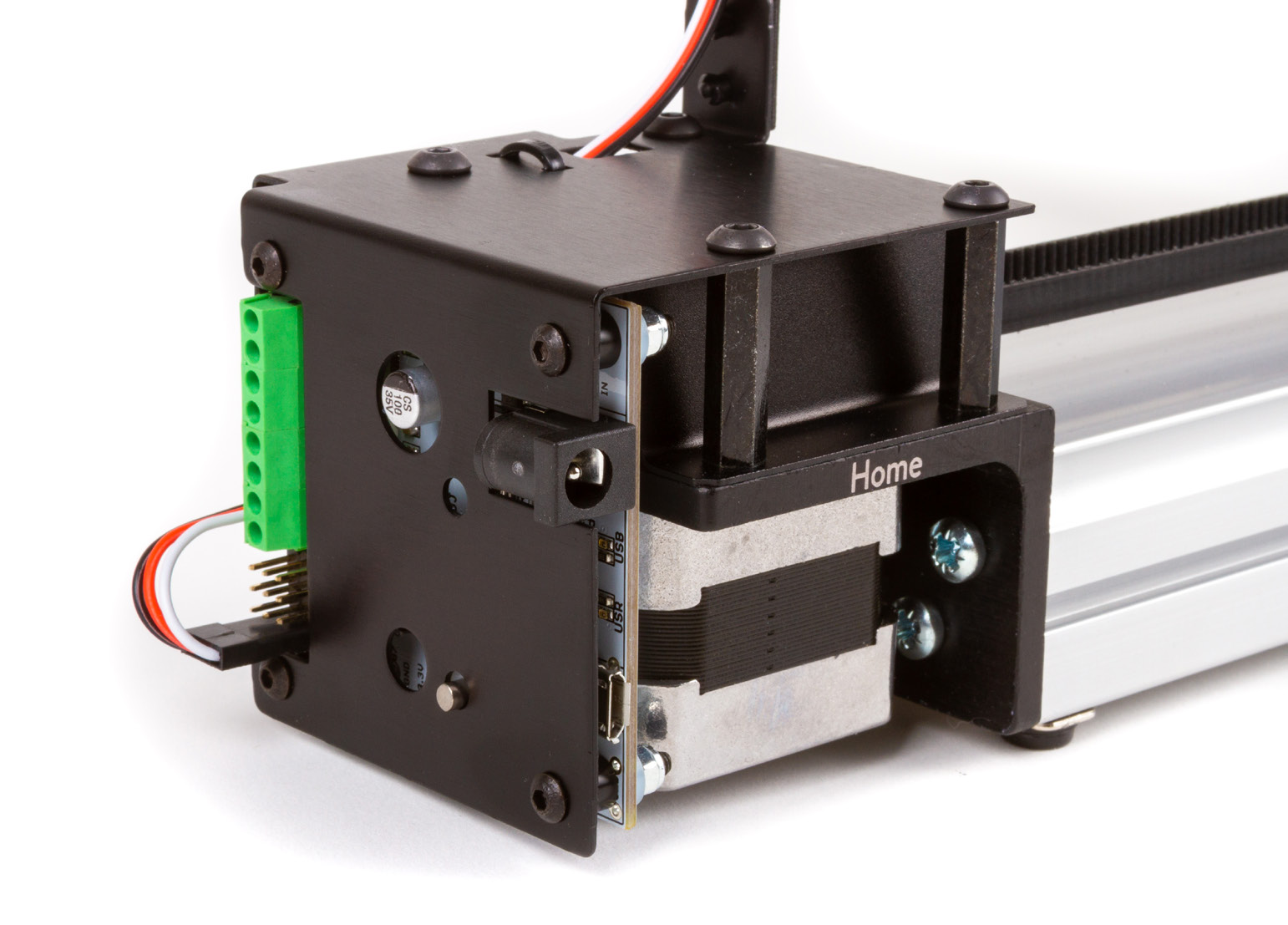
It has a pause button on the left side which can be pressed if something is not going as it should. Later we can either resume (or tell it to bring the pen back home to start again).
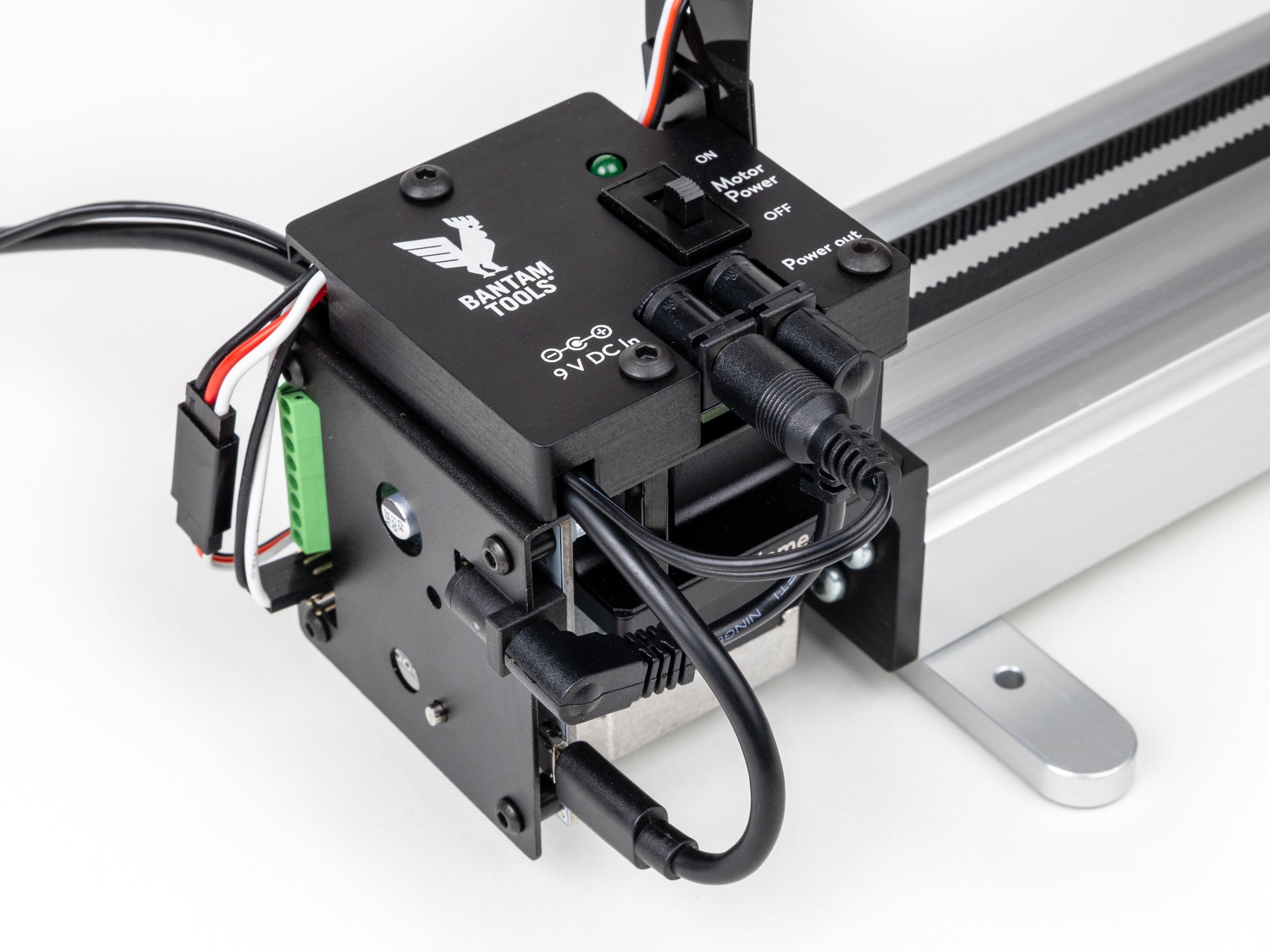
Some plotters have an improved servo, which is quieter and faster. This comes with an attachment that makes it easy to turn the device on and off. The horizontally movable parts can only be moved by hand if the stepper motors are powered off. They can be powered off via software.
Software
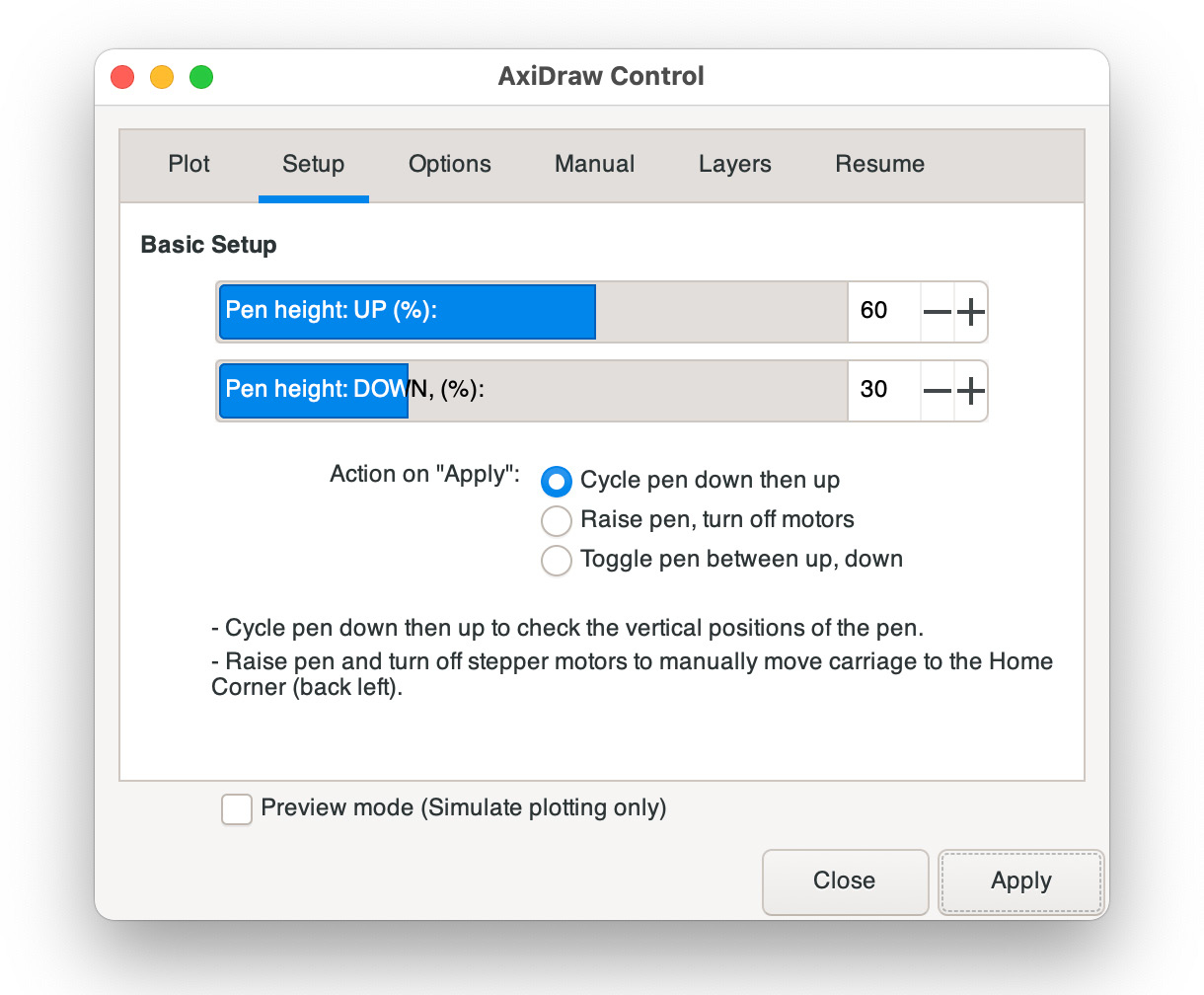
One can send SVG designs to the AxiDraw using an Inkscape control panel.
Alternatively, we can also use a command line tool called AxiCLI.
OPENRNDR and fill
When drawing closed contours to the screen, the current fill color is used to fill the shape with that color, occluding anything that might have been behind the contour.
But pen plotters do not have a fill color! They only draw contours. Therefore it may be helpful to set drawer.fill = null in OPENRNDR so things look the same way on the screen and on paper.
In the past simulating the occlusion caused by fill was not so simple: it involved doing numerous 2D boolean operations. The good news is that the AxiDraw software was updated to provide an option for occlusion! So now it is possible to have fill colors occlude contours. With the line hiding option enabled, a filled circle on top would hide the contour of a circle behind it. If you want to use this fetaure, we recommend using the paper color both for fill and for .clear().